articleTAG: DXREAD_TIME: 19_MIN
AI in UX: Work Is Faster, But Practitioners Have Mixed Feelings
Nielsen Norman Group surveyed 521 working UX practitioners recruited through a convenience sample, finding a gap between perceived speed and enthusiasm about AI-assisted work. Respondents rated time savings at 4.2 on a five-point scale, but that is self-reported perception rather than measured throughput or a percentage reduction. Among the 226 people who left optional comments, 69% expressed some negative sentiment; that figure does not describe every survey participant. Concerns included output quality, privacy, rework and the loss of meaningful parts of the job. The authors recommend assessing end-to-end workflow outcomes, making this a useful counterweight to isolated productivity claims without treating the sample as representative of the whole profession.
TAG: TOOLINGREAD_TIME: 7_MIN
How to put your design system to work with the Figma agent
Figma outlines how published libraries, written guidelines, complete examples and reusable skills give its agent more useful design-system context. Libraries provide approved components and variables, while guidelines explain recurring decisions that a component inventory alone cannot communicate. Reusable examples must be published as components on an Examples page or use the case-sensitive _example suffix, applied to a component set’s parent rather than one variant. Task-specific references belong in the current prompt instead of automatically becoming permanent library patterns. The article says guidelines work best for new designs and that consistency when editing existing work is still improving, so teams should review the generated result rather than treating supplied context as proof of quality or accessibility.
TAG: DXREAD_TIME: 8_MIN
6 ways teams are experimenting with code layers
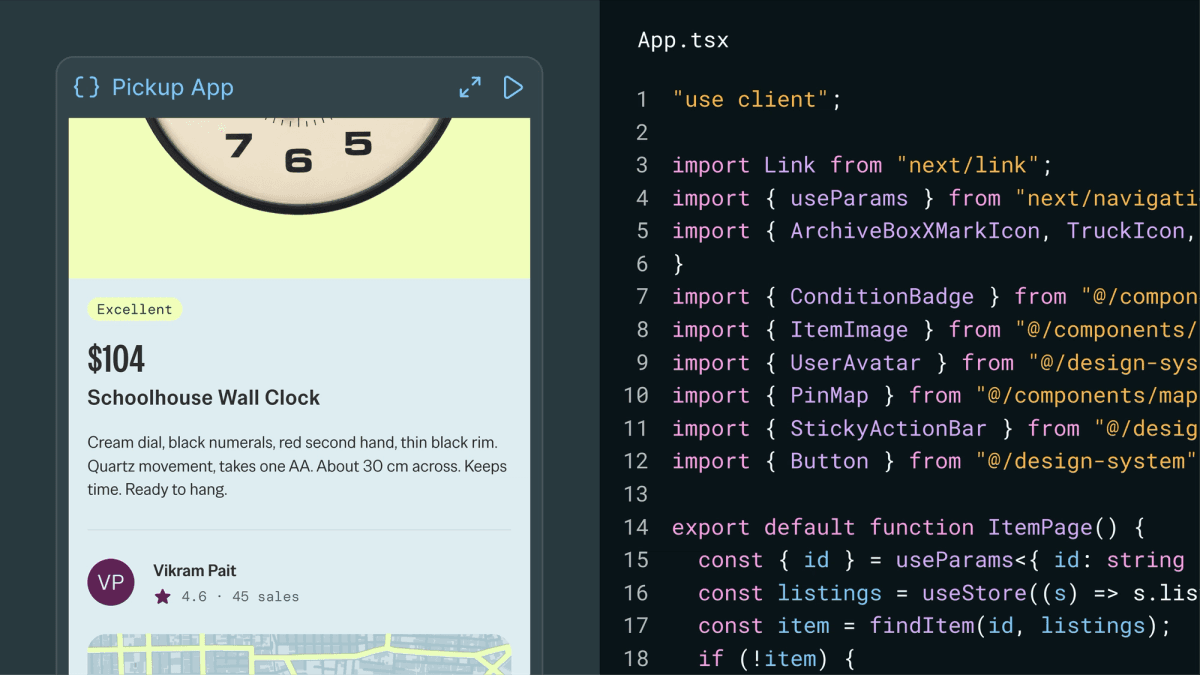
Figma’s customer stories show code layers being used to make interaction proposals easier to compare and discuss on the canvas. Dell builds prototypes with the same coded React components used by developers, while Superside specifies numeric motion values and adds scroll, tap and flip behavior in stages. Rocket Money uses exact design-system component names to discuss interaction details before committing to a direction. Checkout.com extracts screens for side-by-side inspection, then sends visual revisions back to the working code layer. These practices offer concrete review techniques, but the article’s customer-reported speed improvements have no independent controlled evaluation, and a functional prototype still needs separate implementation and accessibility checks.
TAG: DXREAD_TIME: 5_MIN
Accordion Icons: Which Work Best?
Vitaly Friedman examines why accordion navigation becomes ambiguous when the label opens a page but the adjacent icon expands a submenu. People may reasonably activate either part, while plus signs and arrows can suggest several different actions. He recommends a caret for expansion, one consistent expansion target and a separate overview link inside the opened menu when navigation is also needed. Visible link styling helps communicate which action actually changes the page. The guidance interprets linked research and interface examples rather than reporting a new controlled study, so teams can use it to clarify their component’s action model while still testing keyboard behavior, assistive-technology output and the needs of their own navigation structure.
summarizeDigest_Summary
The strongest design question this week is what faster work actually improves. Nielsen Norman Group’s survey separates perceived task speed from sentiment and broader workflow outcomes. Its convenience sample and optional-comment denominators should stay attached to any interpretation.
Figma’s context guidance turns that question into concrete inputs: approved libraries, written rules, reusable examples and repeatable processes. The code-layer stories add staged interaction work and side-by-side review of working alternatives. These are useful practices, while customer speed claims remain different from independently measured quality.
Accordion guidance returns the same discipline to a small component: make expansion and page navigation understandable. Evaluate design-system output through coherent actions and end-to-end results, not generation speed alone. Human review still needs to check the implementation, interaction details and accessibility of the actual result.
Key Takeaways- Keep survey methods and response denominators attached to UX productivity claims.
- Publish approved components, explicit guidelines and reusable examples as agent context.
- Review working prototypes and accordion actions before accepting generated interfaces.