articleTAG: CSS FEATUREREAD_TIME: 9_MIN
Native masonry layouts with CSS grid lanes
Saleh Mubashar explains how display: grid-lanes reuses Grid’s track definitions while packing items along the other axis. Explicit placement and spanning items affect the algorithm, so describing every item as simply entering the shortest column misses important behavior. The fit-tolerance property decides when similarly sized gaps count as ties; its normal value resolves to 1em, while infinite favors source order without guaranteeing it in every arrangement. That distinction matters when visual placement differs from the DOM order followed by keyboards and assistive technology. The article treats the specification as an Editor’s Draft, making progressive enhancement, a usable fallback and source-order review part of adopting the feature rather than optional polish.
CSS FEATURE13:57
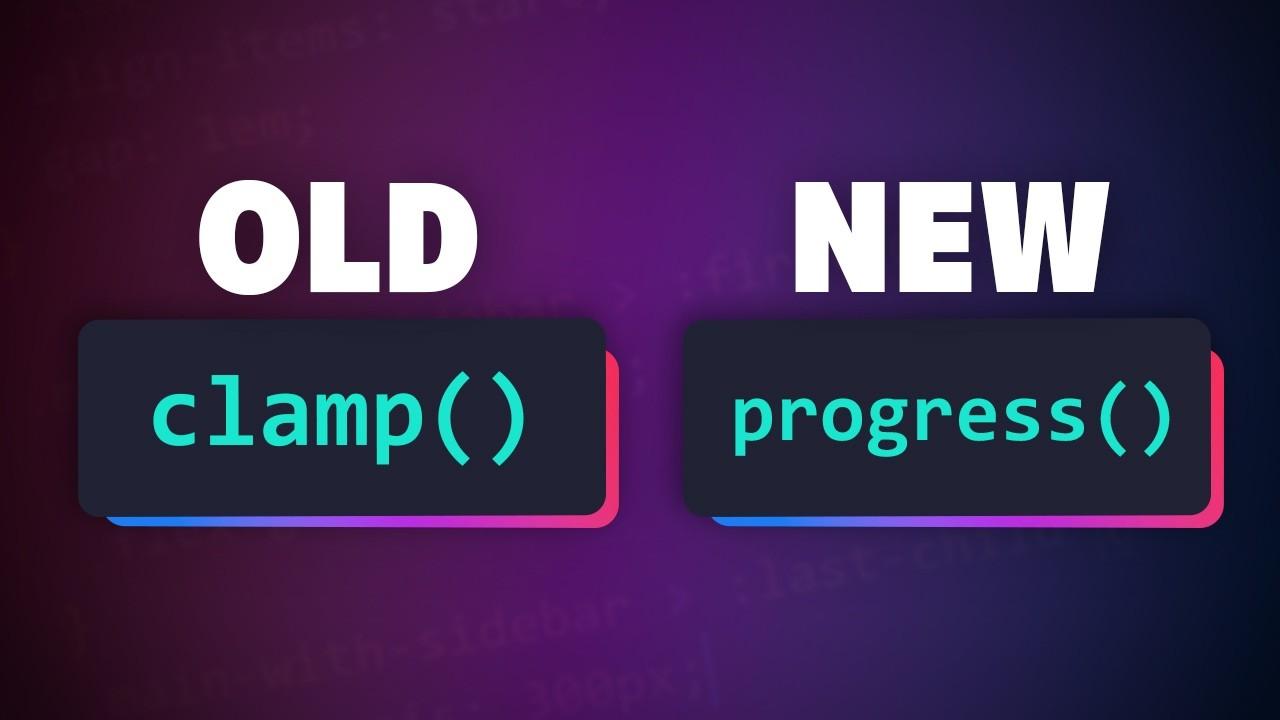
No more clamp() magic numbers
Kevin Powell separates fluid typography into understandable controls instead of hiding the relationship inside unexplained clamp() coefficients. His demonstration normalizes the viewport between 500px and 1000px, then maps that progress to font sizes between 48px and 64px before recommending rem-based font inputs. Custom properties keep the viewport bounds, base sizes and type-scale ratio distinct, while pow() calculates successive scale steps. He also demonstrates a clamped tan(atan2()) alternative when progress() or division between lengths is unavailable in the browser being tested. The useful result is a maintainable method for expressing design intent, with feature-dependent support checks rather than a claim that every arithmetic option works everywhere.
TAG: CSS FEATUREREAD_TIME: 6_MIN
WebKit Features for Safari 27.1
Safari 27.1’s foldable-device preview connects CSS layout to both device posture and viewport segments. The device-posture media feature distinguishes folded from continuous, while horizontal-viewport-segments and vertical-viewport-segments describe the segment arrangement. Six viewport-segment environment variables expose segment geometry, with column and row indices identifying the requested region. WebKit’s examples span viewport widths from 382 to 951 CSS pixels, illustrating why layouts should respond to available space instead of assuming one fixed phone width. Both preview flags and suitable hardware are required, and visual adaptation still needs testing across poses; the article does not promise that experimental segment features or content behind browser controls are broadly shipped.
TAG: CSS FEATUREREAD_TIME: 13_MIN
Release Notes for Safari Technology Preview 255
Safari Technology Preview 255’s release notes provide concrete CSS regression targets alongside its broader browser changes. Multiple line-clamp fixes address formatting contexts, content that remains visible beyond the clamp point, and floats that incorrectly increase size or overflow. Grid corrections cover intrinsic sizing, percentage and calc() constraints, and box-sizing boundaries, while container size queries stop truncating fractional dimensions to integers. Other fixes address repainting backgrounds that depend on currentColor and scope membership after structural DOM changes. These notes identify cases worth reproducing against a real layout, but Technology Preview availability is not broad stable-browser support, and the list does not establish a general performance gain or guarantee that every related layout bug is resolved.
summarizeDigest_Summary
This week’s layout work puts the relationship between source order and visual geometry in focus. CSS grid lanes can pack content while retaining familiar track definitions, but spanning, explicit placement and fit tolerance complicate simple shortest-column explanations. Keyboard and assistive-technology order still deserve a deliberate review.
Fluid typography benefits from making its controls understandable. Kevin Powell separates viewport progress, size bounds and scale ratios, while demonstrating an alternative for differing arithmetic support. Clear inputs make the design easier to tune without concealing the browser requirements.
Layout correctness needs separate regression checks. Safari Technology Preview 255 addresses line clamping, grid sizing and fractional container queries. Use those preview notes to choose focused reproductions instead of assuming a general performance improvement.
Safari’s foldable preview extends that idea of explicit geometry to posture and viewport segments. Progressive enhancement should preserve usable content before experimental layout features are enabled. Check fallbacks, reading order and actual device poses together instead of assuming one successful desktop rendering proves the design.
Key Takeaways- Review
DOM and visual order when adopting CSS grid lanes. - Keep viewport bounds, font sizes and type-scale ratios as separate controls.
- Test usable fallbacks before enabling foldable
viewport-segment previews.