Aurora Scharff's featured article on action props demonstrates a maturing pattern in Async React: reusable TabList and EditableText components that fully… Compiled for immediate developer deployment.
calendar_todaysummarizeWeek 9-2026
article
TAG: COMPONENTSREAD_TIME: 11_MIN
Building Design Components with Action Props using Async React | Aurora Scharff
Aurora Scharff walks through the "action prop" pattern introduced by Async React, building two reusable design components from scratch: a TabList and an inline EditableText field. Each component internalises async coordination via useTransition and useOptimistic so that consumers pass only a value and an action callback. The TabList switches tabs optimistically on click, shows a scoped spinner while the async work runs, and reverts automatically on failure. The EditableText accepts a displayValue formatter function that resolves against the optimistic state, ensuring currency or other formatted output updates immediately at commit time without the consumer ever touching transition logic. A bonus section demonstrates a hideSpinner escape hatch paired with Tailwind's group-has-data-pending: variant for custom loading treatments across the surrounding DOM.
aria-haspopup might not do what you think it does - Manuel Matuzovic
Manuel Matuzović exposes a widespread misuse of aria-haspopup on navigation buttons: the ARIA spec requires the popup container to carry an explicit role of menu, listbox, tree, grid, or dialog, yet most nav submenus use a plain list element. The distinction between navigation (links) and menu (action items) is semantically critical. The mismatch causes real screen-reader breakage: JAWS announces "press Space, then navigate with arrow keys" but the arrow keys do nothing because the list is not a proper menu widget. VoiceOver, NVDA, Narrator, and TalkBack each handle the mismatch differently, so users get inconsistent—or blocked—access to submenu links. The correct fix is to drop aria-haspopup entirely and toggle aria-expanded on the button instead.
role=presentation is no alternative for aria-hidden=true - Manuel Matuzovic
Manuel Matuzović's #WebAccessibilityFails series clarifies a commonly confused pair: aria-hidden="true" removes an element and its entire subtree from the accessibility tree, while role="presentation" only strips the element's native role, leaving children and text content still exposed. An SVG with no accessible name and role="presentation" is silently ignored by VoiceOver, TalkBack, JAWS, and NVDA—but add an aria-label and most screen readers announce it anyway. SVG text nodes are announced regardless. The only reliable escape hatch for img elements is an empty alt attribute. For everything else, use aria-hidden="true" if the goal is complete removal from the accessibility tree.
Martin Underhill draws a precise boundary between alt text and figcaption: alt text replaces the image for anyone who cannot see it, faithfully conveying the image's meaning; figcaption explains what role the image plays within the surrounding content. On an isolated profile page the alt alone suffices, but in a longer article with multiple subjects a figcaption such as "Martin Underhill of tempertemper" removes the burden from adjacent prose. The article also covers multiple images grouped under one shared caption, reference figures numbered across issues, and inline SVGs where a title element carries the descriptive text while the figcaption provides editorial context. The key rule: alt and caption must never be identical—one replaces the image, the other contextualises it.
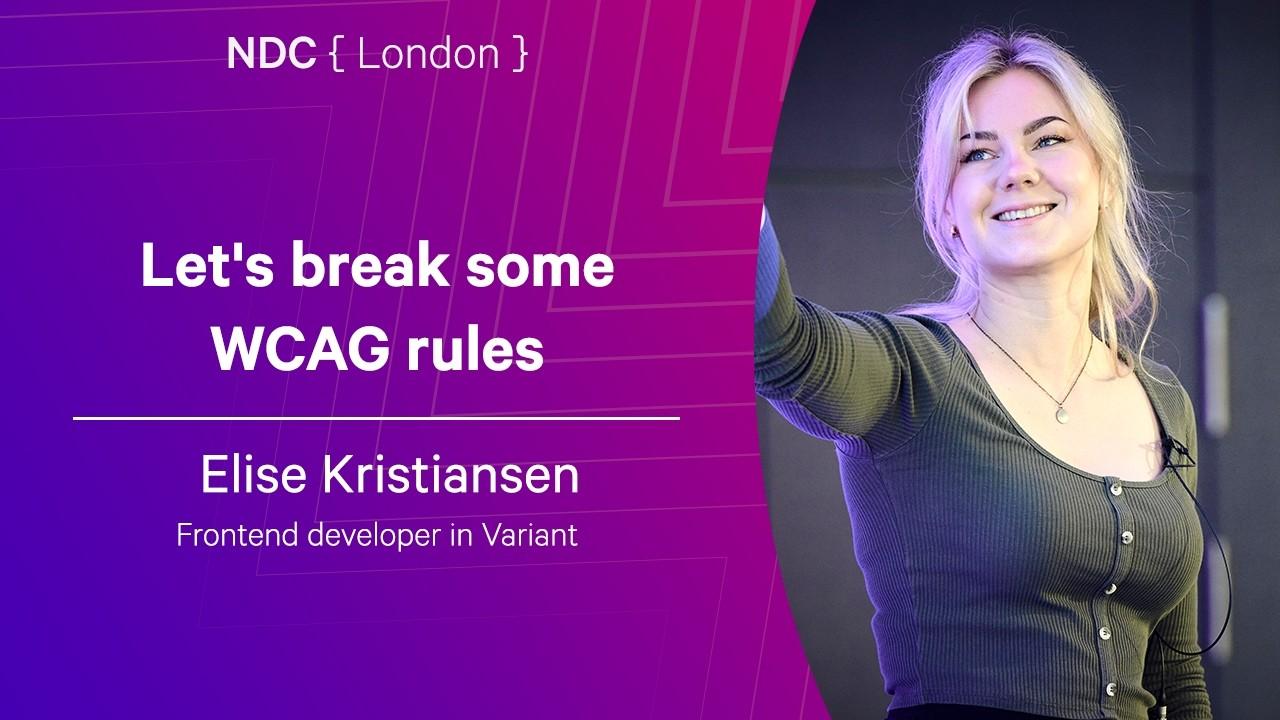
Let's break some WCAG rules - Elise Kristiansen - NDC London 2026
Front-end developer Elise Kristiansen structures this NDC London talk as a deliberate rule-breaking walkthrough: she intentionally violates WCAG A and AA criteria category by category—missing alt text, absent heading hierarchy, color-only contrast failures, broken keyboard tab order via flex-direction:row-reverse, keyboard traps, time limits, and auto-playing animations—then fixes each live and explains the impact. Key statistics cited: 94.8% of websites have at least one AA violation, and 79.8% have insufficient color contrast. Practical tools recommended include Pa11y for command-line audits and Pa11y CI for pipeline integration. The talk opens with the story of Mats Steen (Ibelin) to ground the human cost of inaccessibility, and closes with a callout to use correct semantic HTML tags rather than div-with-onclick patterns—an issue Kristiansen notes AI code generators are actively making worse.
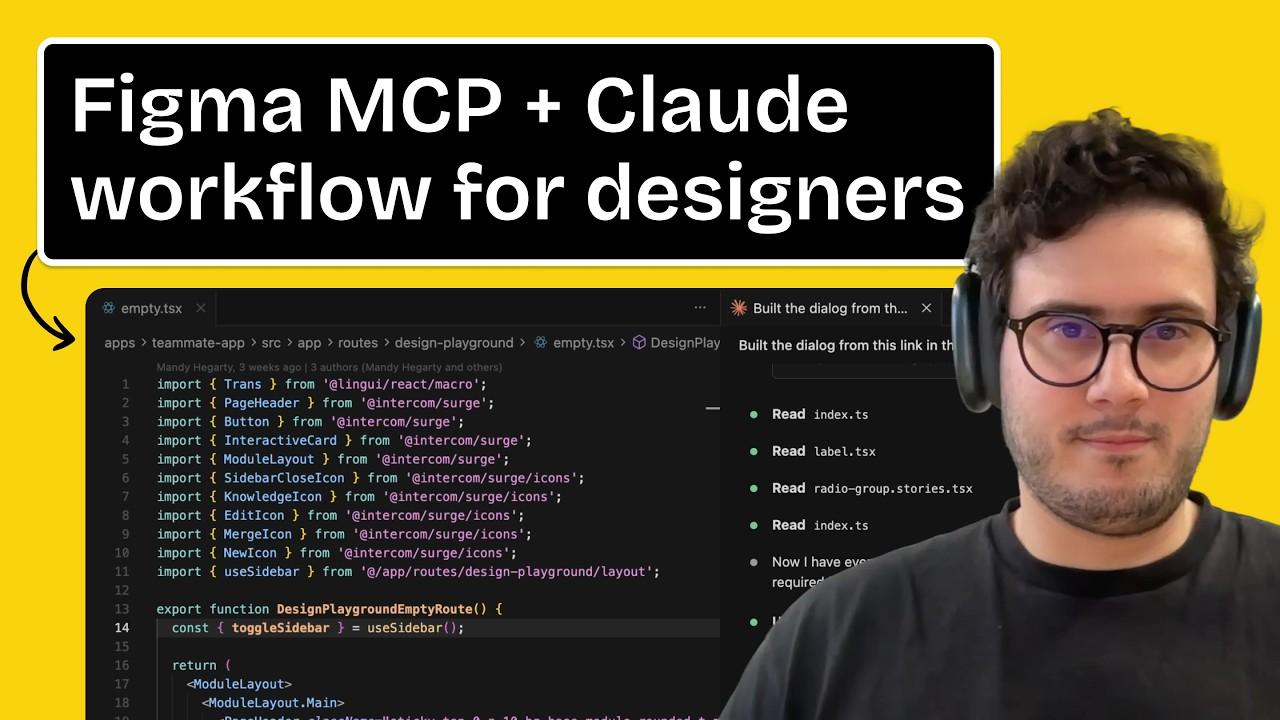
Intercom staff product designer Domingo demonstrates how his team embedded every Figma component into the codebase via Figma Code Connect, then built a "design playground"—a dedicated codebase section where designers fire a single script to get a live local environment for prototyping directly with production design-system components. Claude Code is the mandatory AI coding tool across Intercom; custom Claude Skills layer quality checks, component-import rules, and build-deployment automation on top of the Figma MCP, ensuring Claude imports existing buttons and dialogs rather than regenerating them. A deploy skill creates a GitHub draft PR and a shareable experimental build URL in one command. Domingo also covers the Prototyping Hub, a team-facing guide covering Git basics for designers, environment setup, and video walkthroughs of each workflow.
Building Design Components with Action Props using Async React | Aurora Scharff
Aurora Scharff walks through the "action prop" pattern introduced by Async React, building two reusable design components from scratch: a TabList and an inline EditableText field. Each component internalises async coordination via useTransition and useOptimistic so that consumers pass only a value and an action callback. The TabList switches tabs optimistically on click, shows a scoped spinner while the async work runs, and reverts automatically on failure. The EditableText accepts a displayValue formatter function that resolves against the optimistic state, ensuring currency or other formatted output updates immediately at commit time without the consumer ever touching transition logic. A bonus section demonstrates a hideSpinner escape hatch paired with Tailwind's group-has-data-pending: variant for custom loading treatments across the surrounding DOM.
Let's break some WCAG rules - Elise Kristiansen - NDC London 2026
Front-end developer Elise Kristiansen structures this NDC London talk as a deliberate rule-breaking walkthrough: she intentionally violates WCAG A and AA criteria category by category—missing alt text, absent heading hierarchy, color-only contrast failures, broken keyboard tab order via flex-direction:row-reverse, keyboard traps, time limits, and auto-playing animations—then fixes each live and explains the impact. Key statistics cited: 94.8% of websites have at least one AA violation, and 79.8% have insufficient color contrast. Practical tools recommended include Pa11y for command-line audits and Pa11y CI for pipeline integration. The talk opens with the story of Mats Steen (Ibelin) to ground the human cost of inaccessibility, and closes with a callout to use correct semantic HTML tags rather than div-with-onclick patterns—an issue Kristiansen notes AI code generators are actively making worse.
Intercom staff product designer Domingo demonstrates how his team embedded every Figma component into the codebase via Figma Code Connect, then built a "design playground"—a dedicated codebase section where designers fire a single script to get a live local environment for prototyping directly with production design-system components. Claude Code is the mandatory AI coding tool across Intercom; custom Claude Skills layer quality checks, component-import rules, and build-deployment automation on top of the Figma MCP, ensuring Claude imports existing buttons and dialogs rather than regenerating them. A deploy skill creates a GitHub draft PR and a shareable experimental build URL in one command. Domingo also covers the Prototyping Hub, a team-facing guide covering Git basics for designers, environment setup, and video walkthroughs of each workflow.
aria-haspopup might not do what you think it does - Manuel Matuzovic
Manuel Matuzović exposes a widespread misuse of aria-haspopup on navigation buttons: the ARIA spec requires the popup container to carry an explicit role of menu, listbox, tree, grid, or dialog, yet most nav submenus use a plain list element. The distinction between navigation (links) and menu (action items) is semantically critical. The mismatch causes real screen-reader breakage: JAWS announces "press Space, then navigate with arrow keys" but the arrow keys do nothing because the list is not a proper menu widget. VoiceOver, NVDA, Narrator, and TalkBack each handle the mismatch differently, so users get inconsistent—or blocked—access to submenu links. The correct fix is to drop aria-haspopup entirely and toggle aria-expanded on the button instead.
role=presentation is no alternative for aria-hidden=true - Manuel Matuzovic
Manuel Matuzović's #WebAccessibilityFails series clarifies a commonly confused pair: aria-hidden="true" removes an element and its entire subtree from the accessibility tree, while role="presentation" only strips the element's native role, leaving children and text content still exposed. An SVG with no accessible name and role="presentation" is silently ignored by VoiceOver, TalkBack, JAWS, and NVDA—but add an aria-label and most screen readers announce it anyway. SVG text nodes are announced regardless. The only reliable escape hatch for img elements is an empty alt attribute. For everything else, use aria-hidden="true" if the goal is complete removal from the accessibility tree.
Martin Underhill draws a precise boundary between alt text and figcaption: alt text replaces the image for anyone who cannot see it, faithfully conveying the image's meaning; figcaption explains what role the image plays within the surrounding content. On an isolated profile page the alt alone suffices, but in a longer article with multiple subjects a figcaption such as "Martin Underhill of tempertemper" removes the burden from adjacent prose. The article also covers multiple images grouped under one shared caption, reference figures numbered across issues, and inline SVGs where a title element carries the descriptive text while the figcaption provides editorial context. The key rule: alt and caption must never be identical—one replaces the image, the other contextualises it.
Aurora Scharff's featured article on action props demonstrates a maturing pattern in Async React: reusable TabList and EditableText components that fully encapsulate useTransition and useOptimistic, leaving consumers to pass only a value and a callback. The pattern keeps optimistic updates and rollback logic inside the component boundary — a meaningful step toward design systems that are genuinely framework-aware rather than just styled primitives.
Accessibility occupied the week's remaining agenda, with Manuel Matuzovic contributing two precise entries to his #WebAccessibilityFails series. The first corrects a widespread misuse of aria-haspopup on nav submenus — the fix is to drop it entirely and use aria-expanded instead. The second clarifies that role="presentation" only strips the element's own role, not its children, while aria-hidden="true" removes the full subtree: the two attributes are not interchangeable. Martin Underhill added a third accessibility piece drawing a clean line between alt text (replaces the image) and figcaption (contextualises it).
Rounding out the week, Elise Kristiansen's NDC London talk walked through every major WCAG AA failure category live, citing that 94.8% of websites carry at least one violation, and that AI code generators are actively widening the gap by favoring div-with-onclick over correct semantic HTML. Intercom's Domingo also detailed how Figma Code Connect and custom Claude Skills close the design-to-code loop for their entire design team.
Key Takeaways
The action prop pattern in Async React lets design system components own all transition and optimistic UI logic, exposing only a value and a callback to consumers.
aria-haspopup misuse on nav submenus breaks screen readers — replace it with aria-expanded; role="presentation" does not remove child content from the accessibility tree.
94.8% of websites have WCAG AA violations, and AI-generated code is making it worse; Intercom's Figma Code Connect workflow shows how design systems can close the gap.